Desktop AI Agent Workspace
Operate OpenClaw gateways from one focused desktop cockpit.
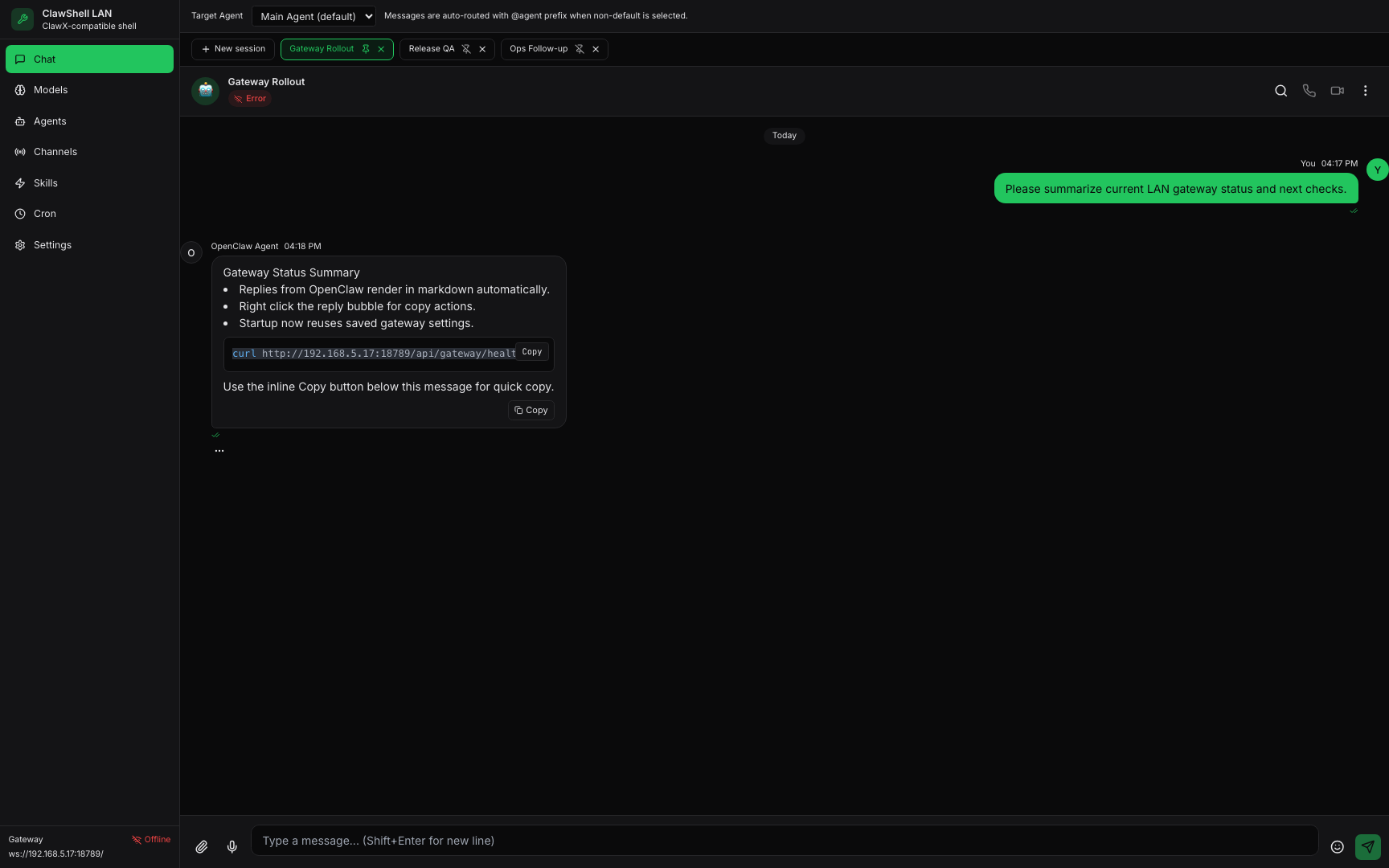
ClawShell now includes markdown-native chat replies, right-click copy actions, and startup auto-connect from saved settings so daily LAN operations stay fast and consistent.
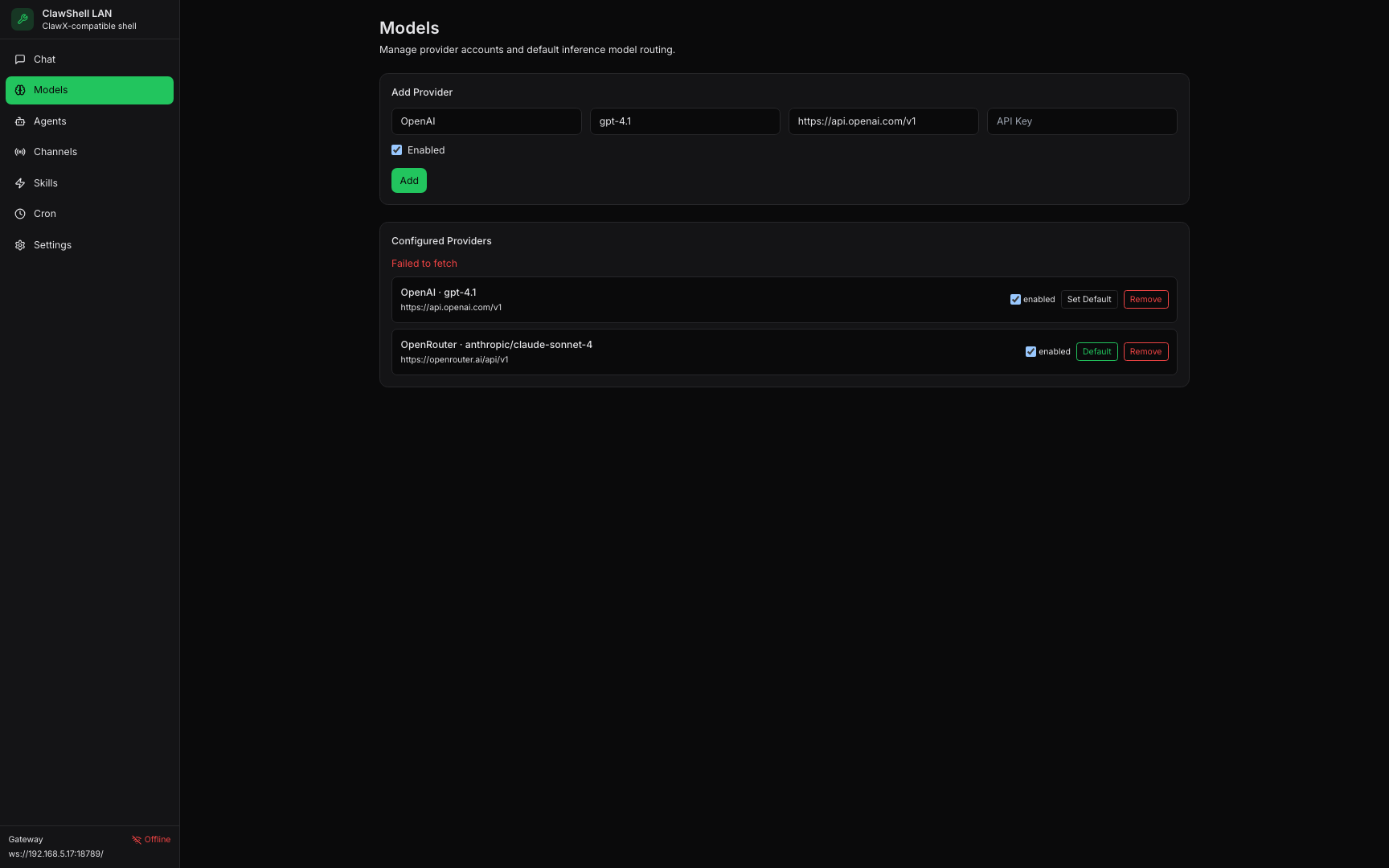
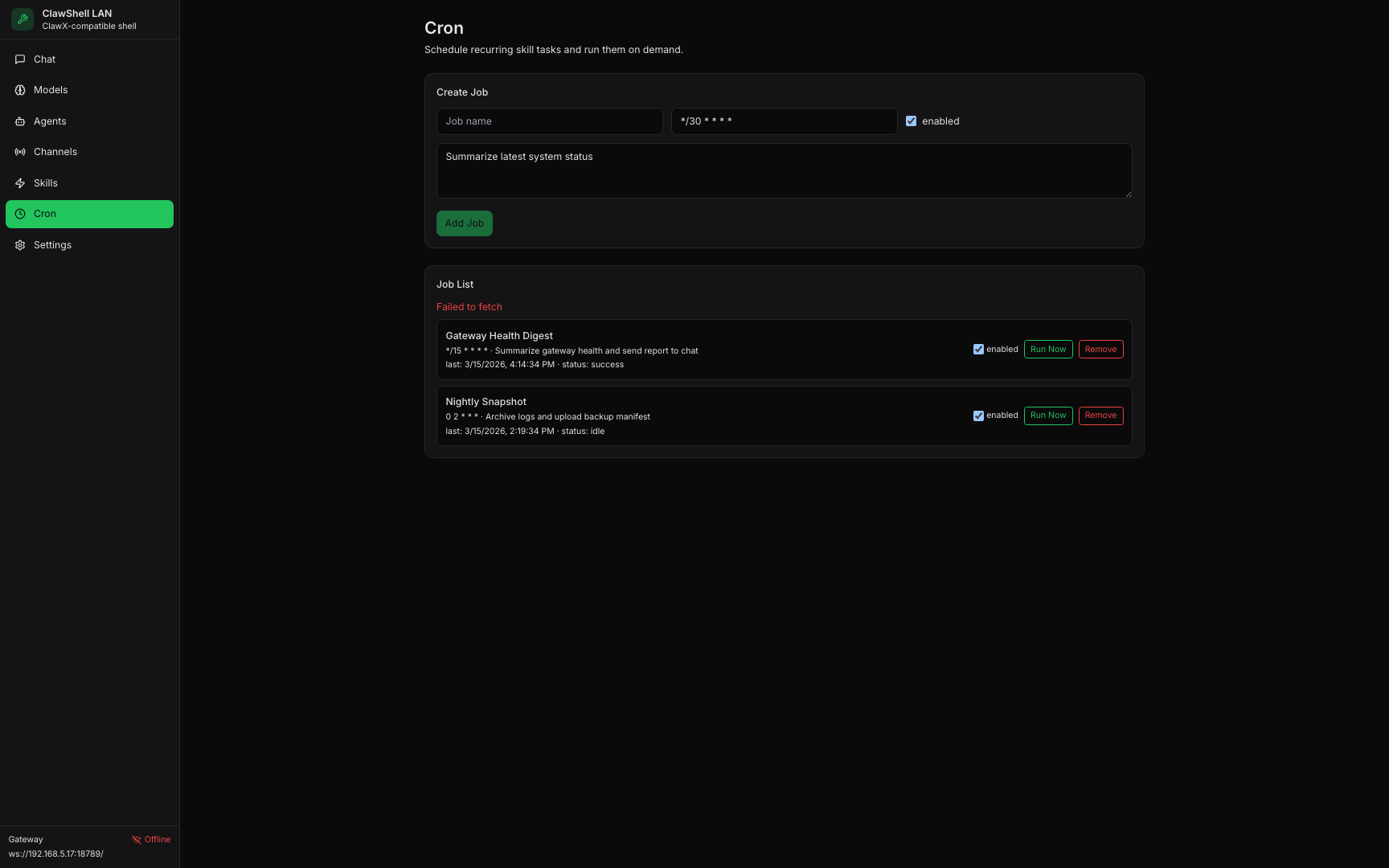
Latest Product Screenshots
Screens below are generated from the app UI. Run
npm run screenshots:app to refresh them automatically.
Markdown-First Chat
Agent responses are rendered as markdown by default, including code highlighting support.
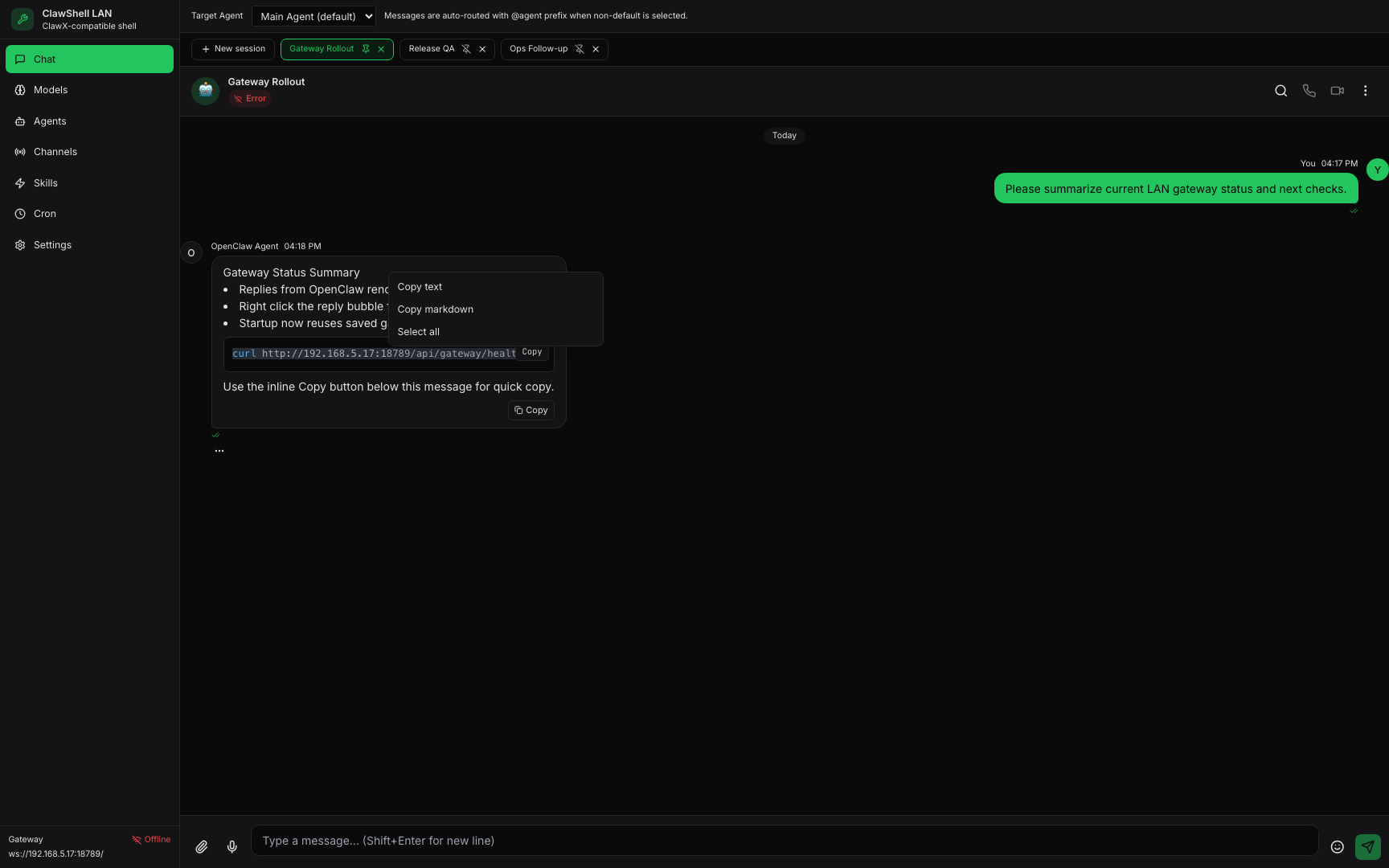
Fast Copy Workflow
Use right-click copy options and inline mini copy buttons directly from assistant replies.
Startup Auto-Connect
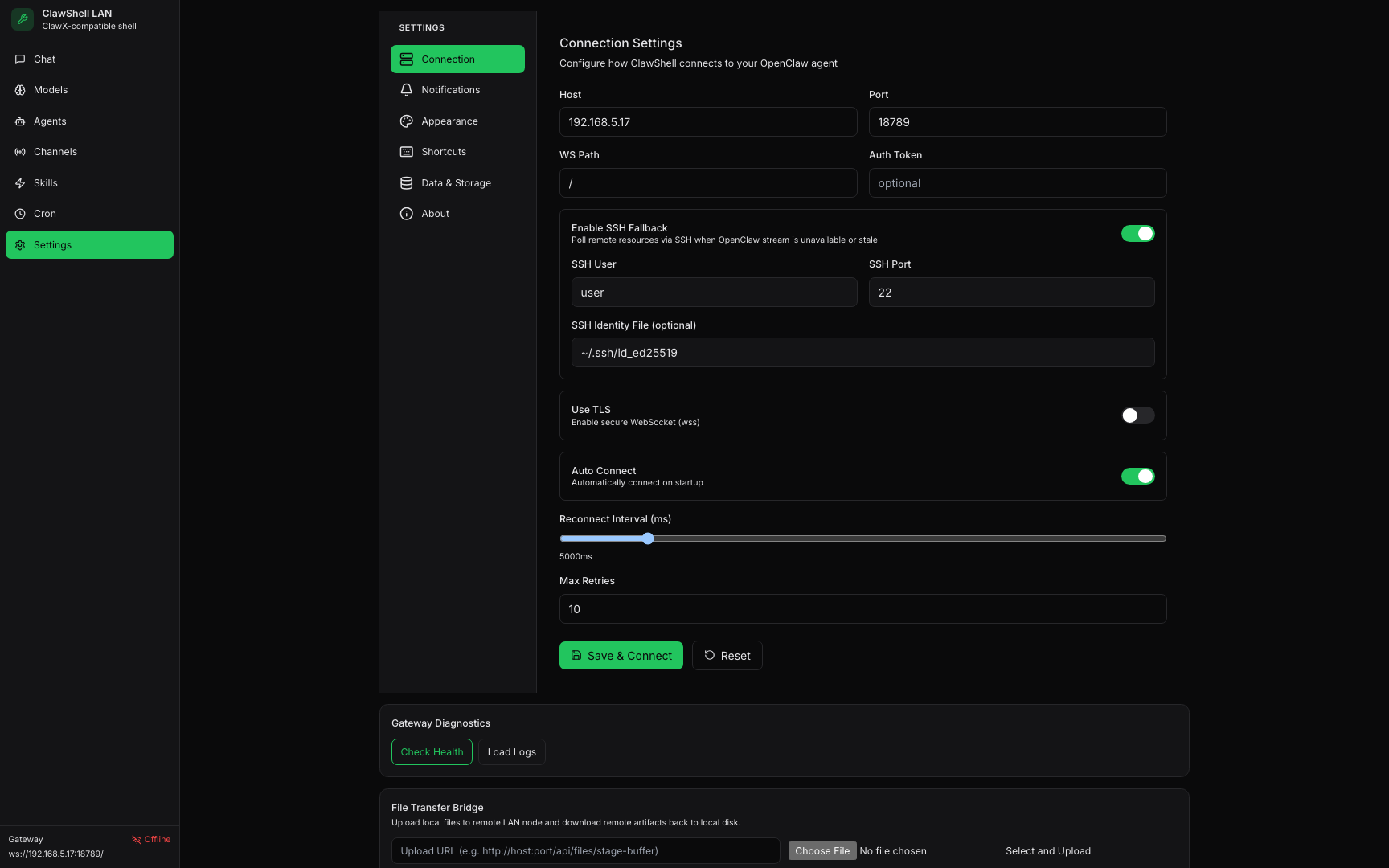
On launch, ClawShell reuses saved gateway settings and attempts connection automatically.
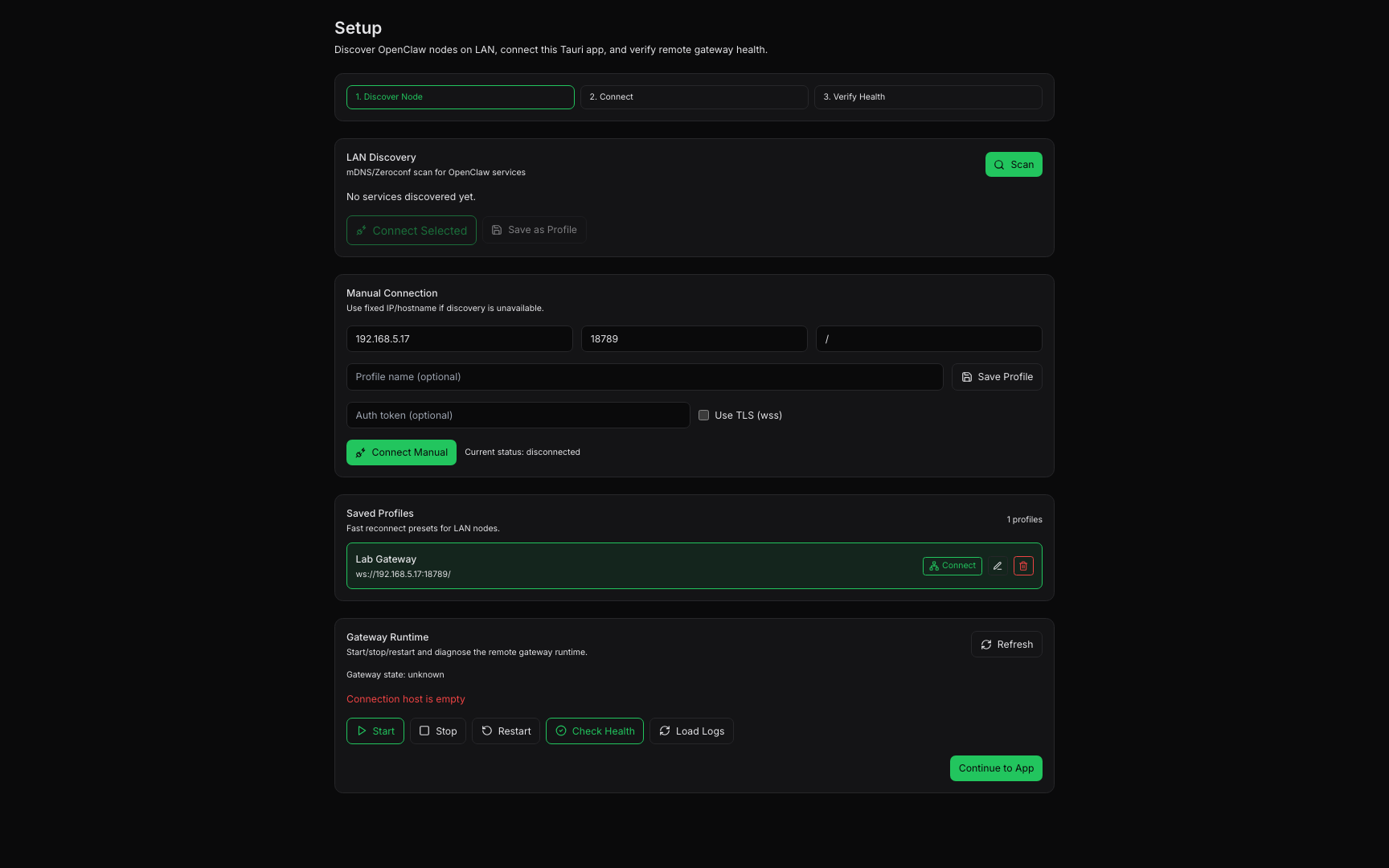
LAN Discovery Setup
Scan OpenClaw services over mDNS/Zeroconf and connect with profile presets.
Gateway Diagnostics
Inspect health, fetch runtime logs, and run file transfer checks from Settings.
Operations Surface
Coordinate models, agents, channels, skills, and cron jobs from dedicated pages.